Teach your assistant
Trying your assistant before a customer does, fixing an answer it got wrong, and what it reads.
Your assistant answers from what you have told Mist, and from nothing else. When it says something wrong, the fix is to tell it the right answer once, and it uses that from the next chat on.
What it reads
- Services and prices, in Settings → Quotes & invoices. It quotes from these and nothing else.
- FAQs, on the same tab: a question a customer asks, and the answer you want given.
- Your hours and service area, so it knows when you are open and where you go.
- Extra context, in Settings → Assistant: anything special about the business, in your own words.
Try it yourself
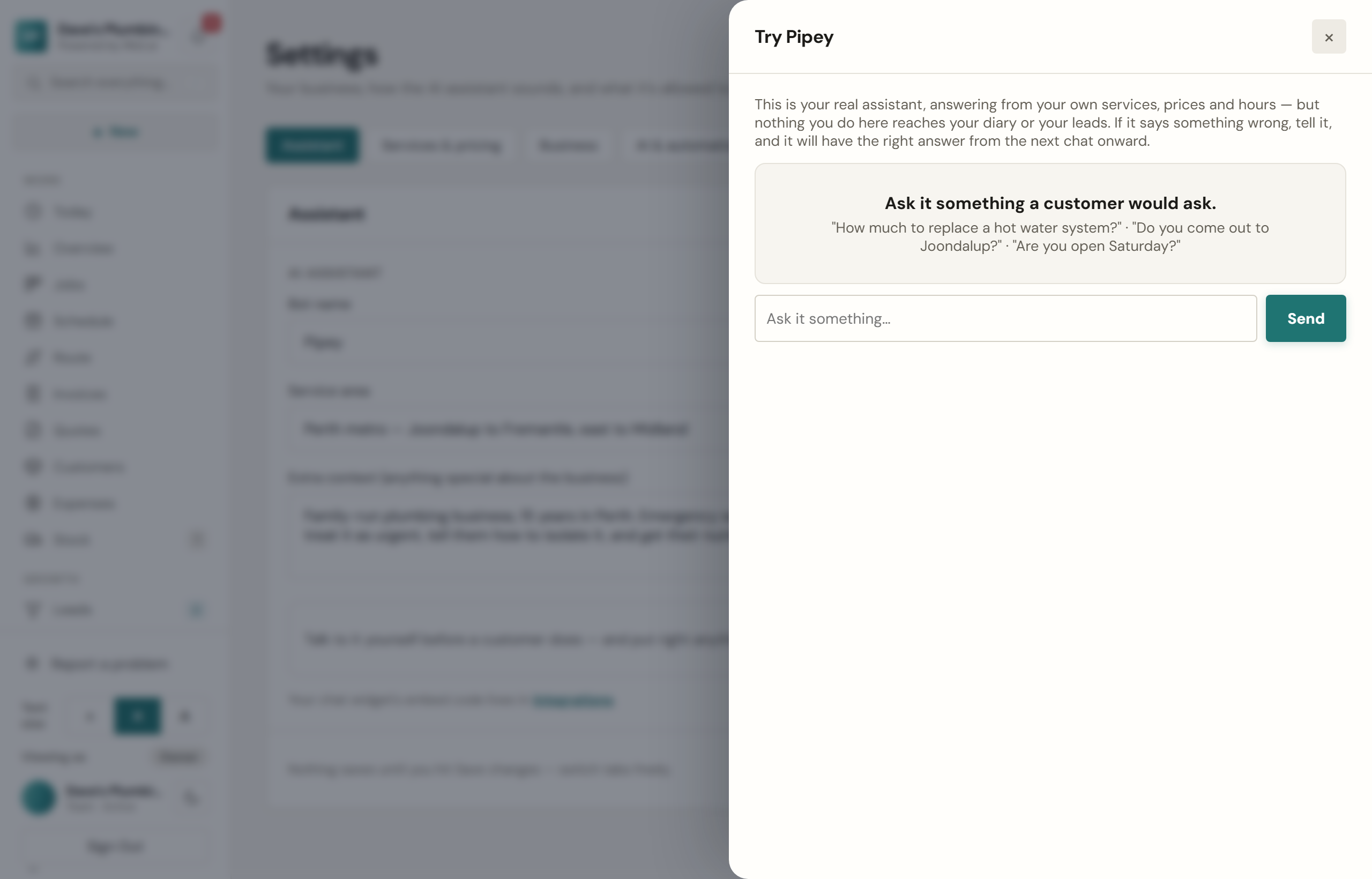
In Settings → Assistant, press Try and ask it what a customer would. It answers exactly as it would on your website. Where a real chat would take their details or book a time, it tells you what it would have done instead, and nothing is created, so your diary and leads stay as they are.
When it gets something wrong
Under any answer in Try, press That is not right. In a real conversation, open it in Conversations and press Got this wrong? under the answer. Either way, write the customer's question and what it should say instead.
That becomes one of your FAQs, which it reads on every chat, so it applies from the next conversation on, not to the one already had. You can reword or remove it any time under Settings → Assistant → FAQs.