Expenses and tax time
Logging what you spend, photographing receipts, and the numbers your accountant wants.
Every dollar out, in one place, sorted the way the ATO sorts them. It exists so that tax time is a download rather than a shoebox.
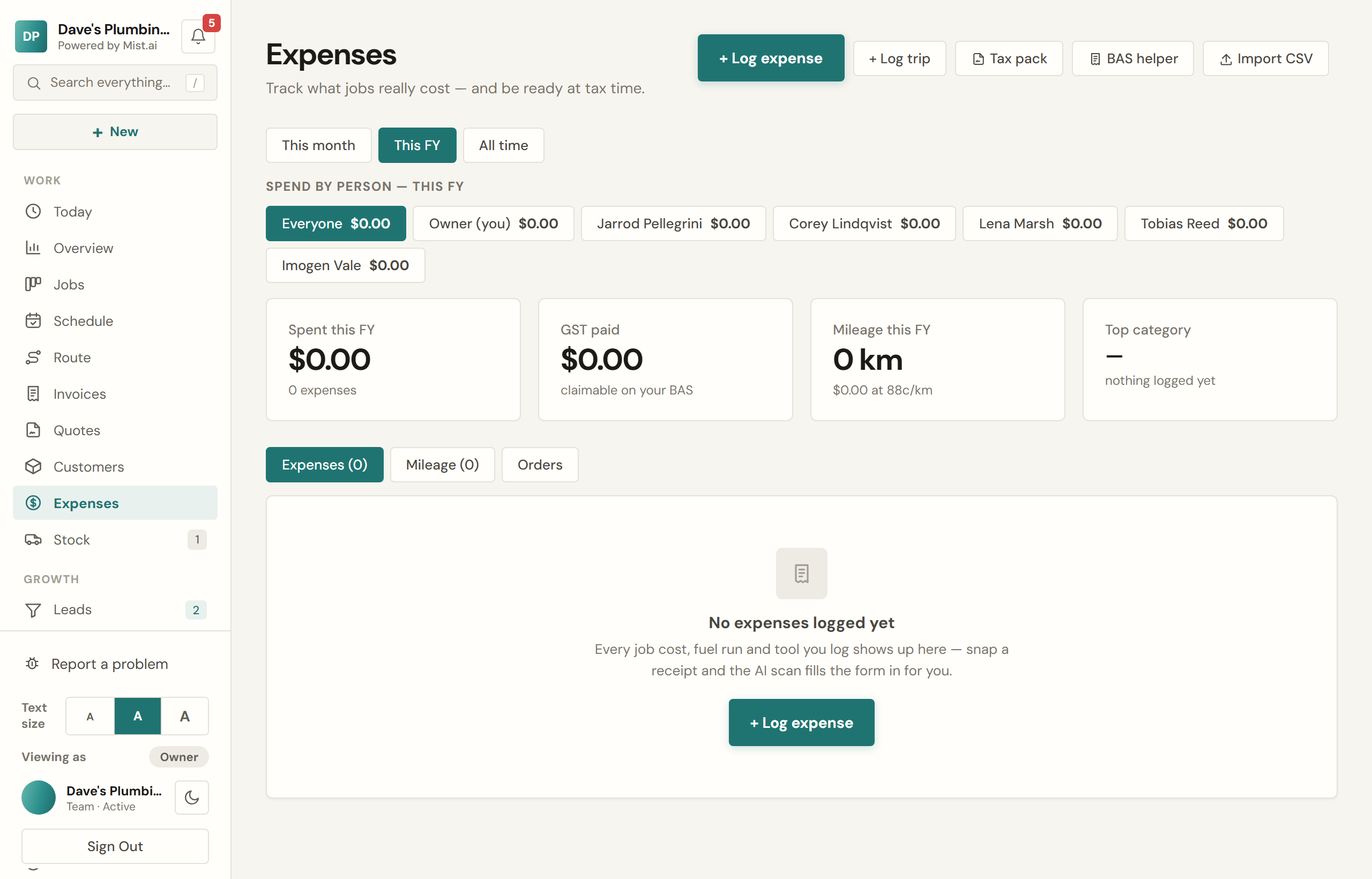
Logging an expense
Amount, category, supplier, date. GST is worked out for you, and you can link it to a job so it counts against that job's profit.
- Photograph the receipt and the amount, GST, supplier, date and category are read off it and filled in. Check it before you save — it is a head start, not a decision.
- Recurring costs — insurance, phone, the lease — get logged each month on their own.
- Import a bank statement as a CSV. Re-importing the same one will not double up.
Kilometres
Log a trip and Mist works the deduction at the ATO cents-per-kilometre rate, keeping an eye on the 5,000km cap.
What a job actually made
Open a job and the profit block shows what came in against what went out — invoices, materials, and labour if you have set an hourly cost rate. It is the number that tells you whether a type of work is worth doing.
Tax time
Pick a financial year and Mist shows income collected, GST collected, expenses by category, GST paid, your net position and the vehicle deduction — with CSV downloads of each. There is a BAS helper that works your quarter on a cash basis.