Getting started
What to do in your first week, and what Mist does on its own once it is set up.
Mist is two things working together: an AI receptionist that answers enquiries around the clock, and the back office behind it — jobs, quotes, invoices, customers. The receptionist is what people notice. The back office is what stops the same enquiry being retyped four times.
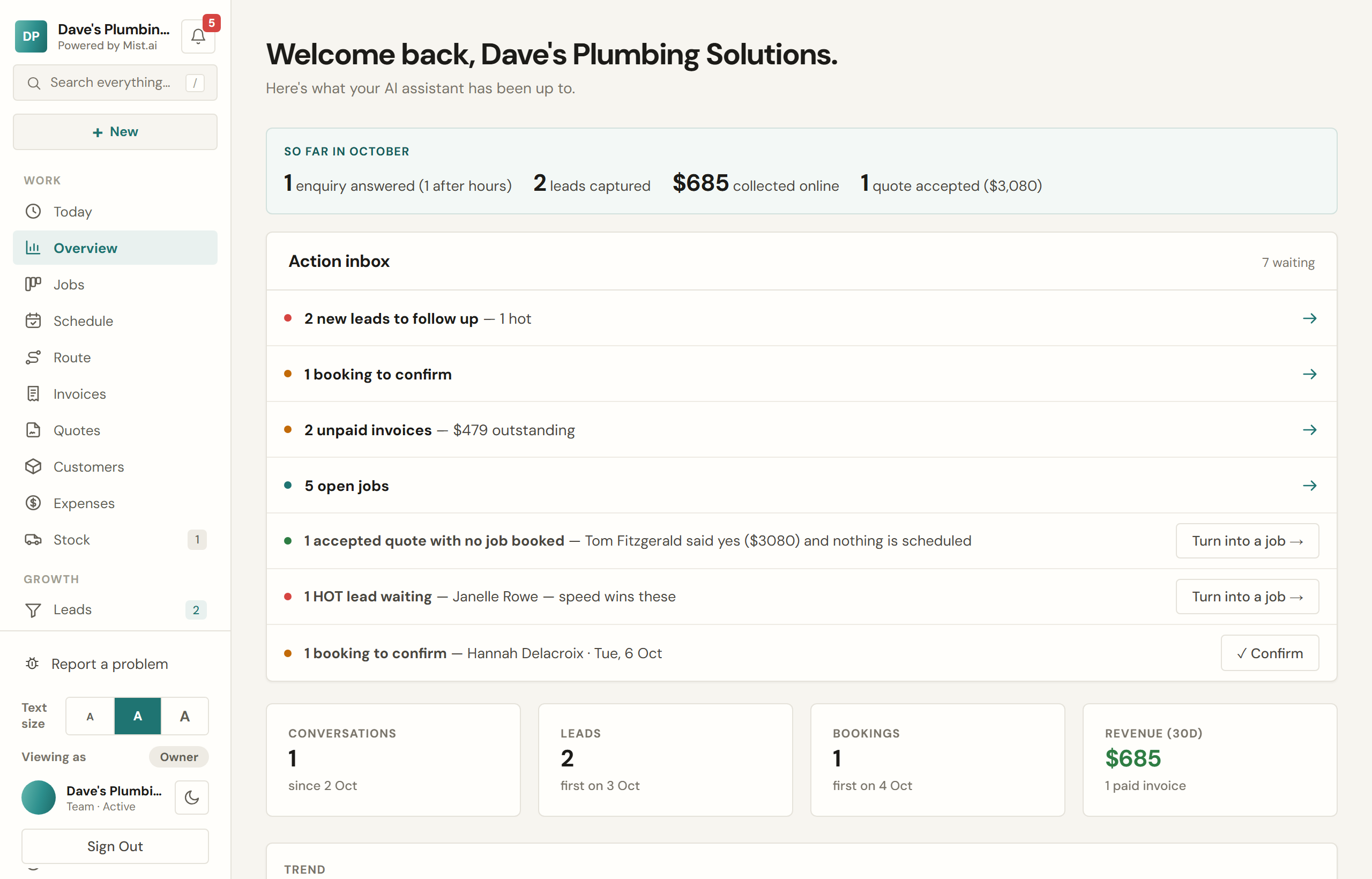
Your first week
Your account is set up with you on the handover call, so most of this is done before you first log in. The Set up Mist card on your Overview tracks whatever is left, step by step, including sending yourself a test alert so you know a new enquiry reaches your phone and email before a real one does.
- Put the chat on your website. It is one line of code, and Connections → Show me how walks you through it, or emails it to whoever looks after your website. Until it is live the AI has nowhere to answer from, and that screen says it has not been seen on your website yet.
- Check your services and prices. The AI quotes from these and from nothing else, so a price that is wrong there is wrong in every answer it gives. Settings → Quotes & invoices.
- Connect Stripe if you want customers paying invoices online. The money goes to your bank, not ours.
- Add your Google review link so Mist can ask happy customers for a review. Nothing is sent until that link is set.
- Put your logo in. It goes on invoices, quotes, your booking page and the chat widget.
What runs without you
Once those are in place a number of things happen on their own. Every one of them can be switched off in Settings: Quotes & invoices for the chasing and the follow-ups, Booking & jobs for the reminders and the reviews, Texts & alerts for the briefing.
- Unpaid invoices are chased at 3, 7 and 14 days overdue, then stop.
- A quote with no answer gets one follow-up at 9am: the morning after the customer opens it without accepting, or five days after you send it if they do not open it.
- Customers with a job booked tomorrow get a reminder text, and can reply Y to confirm.
- A finished job asks the customer for a Google review.
- You get a short briefing each morning of what is on and what is owed. Who else on your team gets one is up to you, in Settings → Texts & alerts.
Something not working?
Press Report a problem at the foot of the menu (on a phone, it is in More). Say what went wrong, add a screenshot if you have one, and press Send. It reaches the Mist team, a real person reads it, and the answer comes back in Help & ideas. When a screen shows an error, its Report this button opens the same message with the screen already named.
Every message carries a few technical details, so we can fix things faster: the screens you were just on, your device, and any error your browser saw. Help & ideas is also where you ask a question, and vote on what we build next.