Customers
The record of everyone you have worked for, and the page you can share with them.
A customer record is made when your AI takes someone's number or email in the chat, and when you raise a job with their number or email. A job with only a name makes no record. Their jobs and invoices then show on it, so their history builds itself. An invoice typed for someone new does not make a record: raise a job for them first, with their number or email. Mist matches on phone number and email, so the same person getting in touch twice does not become two records.
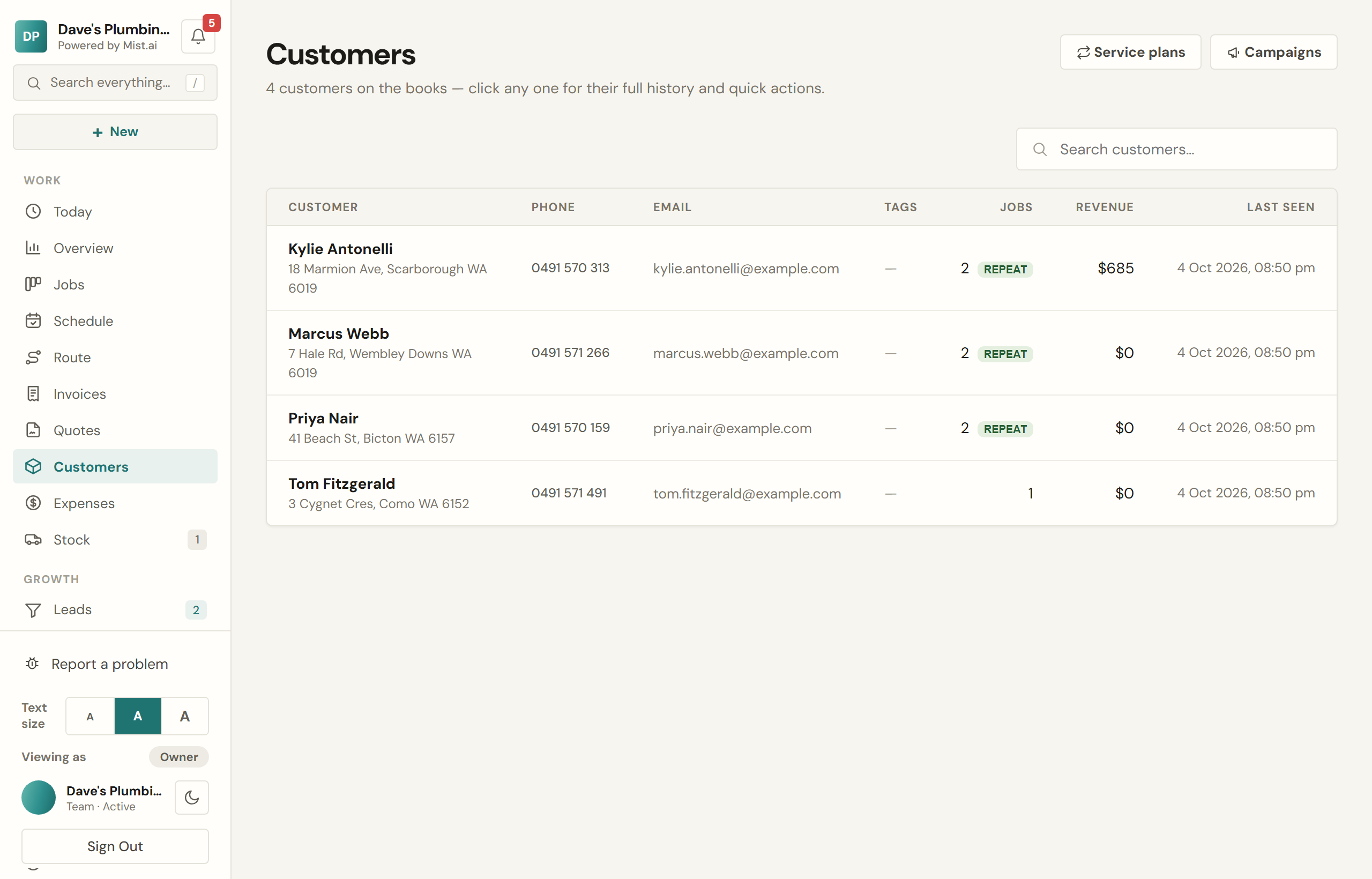
What a customer record holds
- Every job you have done for them, and every invoice, each opening from the record.
- What they have spent with you all up.
- A repeat-customer marker, so you know before you pick up the phone.
- Tags of your own — VIP, strata, warranty, whatever you sort by.
- Any texts they have sent you.
- Every text and email Mist sent them for you, newest first, and what became of it: Delivered, Sent (no delivery report yet), Not delivered, or Not sent, with the reason. A quote and an invoice show their own the same way.
- This list starts on 10 Oct 2026. A quote also shows how it went out before then, and when its link was copied.
Duplicates
If two records turn out to be the same person, merge them. The one you keep gains the other's jobs, invoices, quotes and history, and anything blank on the keeper is filled in from the other.
Their own page
You can send a customer a private link to their own page: their next visit, what they owe with a button to pay it, their past jobs, and completion certificates they can download. No login, no password. It shows the jobs, quotes and invoices that carry their phone number or email. So keep each job and invoice to one person: one with one person's phone and another person's email shows on both their pages, money owed included. On their record, Share account link lets you copy it, or text or email it to them from Mist under your business name.
From that page they can move an upcoming visit to another time you have free, and cancel it if you allow that. You set the rule in Settings → Booking & jobs → Customer changes: on or off, how much notice you need (12, 24, 48 or 72 hours), and Move only or Move or cancel. Closer than your notice, the page shows your number instead. Every change rings your bell and is emailed to you, and a job's history records it.
Until you change it, the rule is on, with 24 hours' notice, and Move only. A visit moved online four times is yours to move again: the page asks them to give you a call.